

Back to School Night Presentation and Tips for SLPs
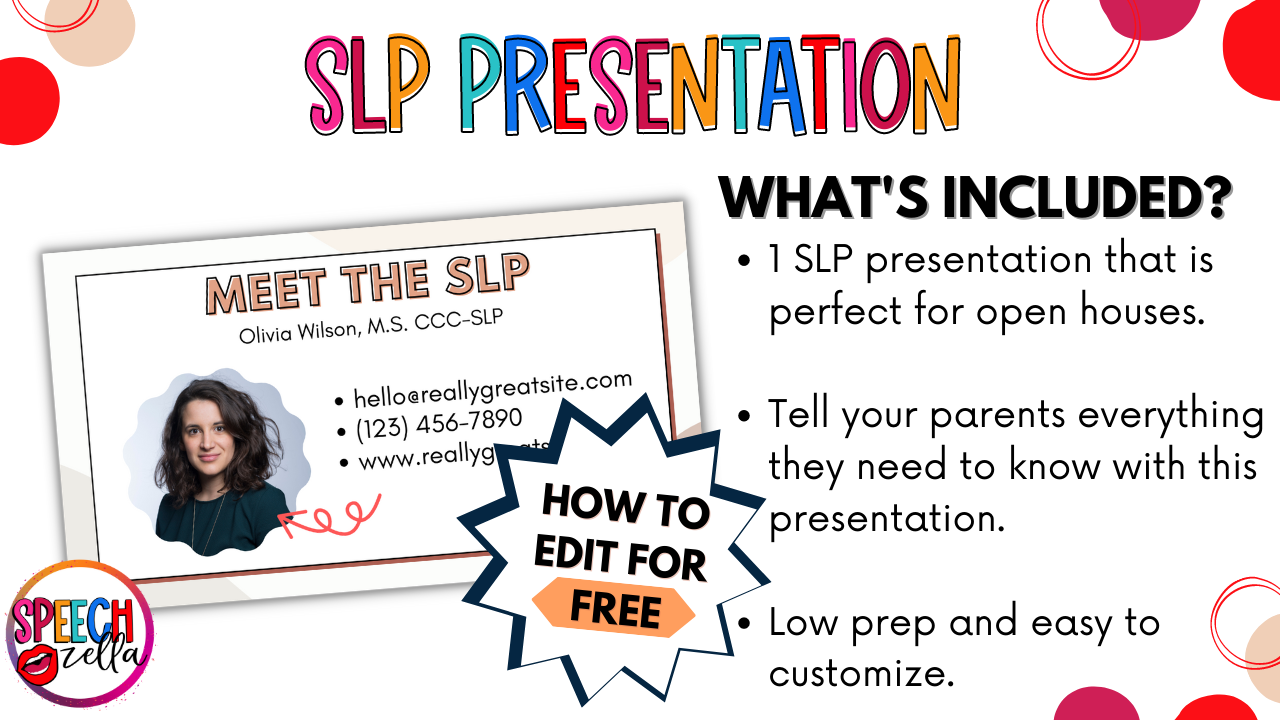
Do you need an editable back to school night presentation for your next open house? This FREE modern style presentation is a great way to let your parents know about you and what to expect during the new school year.
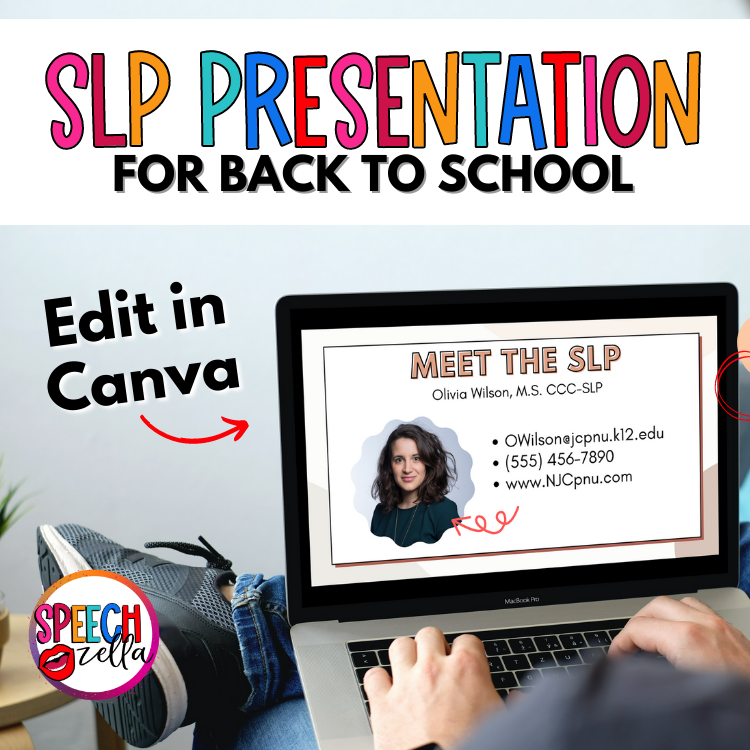
Now you can make a great impression with this back to school-night presentation! Moreover, this back to school night open house presentation is completely editable in Canva, which means you can change the colors, fonts, images, and more!
Present straight from Canva and use tons of special effects, or download to your computer for offline use.
Grab this FREE resource.
Free Back to School Printables for Teachers
Hey, it's school calendar planning time, right? So why not make your school night presentation a hit from day one? If you're hosting an open house, parent night, or teacher night, don't fret. I've got you covered with a free modern style presentation that screams, “I've got it together.”
Back to School Night Presentation Printables Free
Yep, you heard that right. This resource is totally FREE, which means it's perfect for the new school year. Additionally, the template is editable right in Canva. So, you can add all the important dates, class periods, and other course information easily. Now, how's that for making a great time of the stressful back-to-school season?
Back to School Night Presentation Topics
You'll get a link to edit the open house presentation editable template. This presentation is great for SLPs and teachers to use during back to school night. This resource is totally FREE.
It's perfect for the new school year and is editable right in Canva. You can add all the important dates, class periods, and other course information easily. Now, how's that for making a great time of the stressful back-to-school season?
Back to School Night Presentation Ideas
Here are all the editable templates pages included in this presentation.
- Meet the SLP: The best way to introduce yourself and your educational background. Pop in your contact information and snap a selfie to add a personal touch.
- Welcome: This is your opportunity to set a welcoming environment. Insert a welcome note and bullet-point the most important info you want parents to know. This is a great way to give the parents a general overview of your speech room.
- About Me: Let parents in on what their kids call you and how many years you’ve been working.
- Favorites: Parents love to know your likes and dislikes, even if you don't like sharing.
- Class Schedule: An essential slide to discuss your classroom routines for the first week and beyond. You can also include any classroom forms here that you need parents to fill out.
- Goals: Every classroom has rules or goals. Make them clear here.
- Progress: Transparency is key. Will you use a daily or weekly notebook to report progress? Let parents know.
- Helpful Suggestions: Offer tips on how parents can improve their child's speech and language skills. Tailor this to grade level, whether elementary school or higher.
- Thank You: Lastly, this is a fun way to wrap things up. Give parents a chance to screenshot your contact info.
- Custom Slide: Add any other school night activities or info you think parents should know, such as upcoming special events.
- Additional Slide Ideas: Feel free to add additional slides this this presentation. Here are some other ideas for your presentation:
- Add QR codes of helpful suggestions.
- Tell your parents about the first day of school activities.
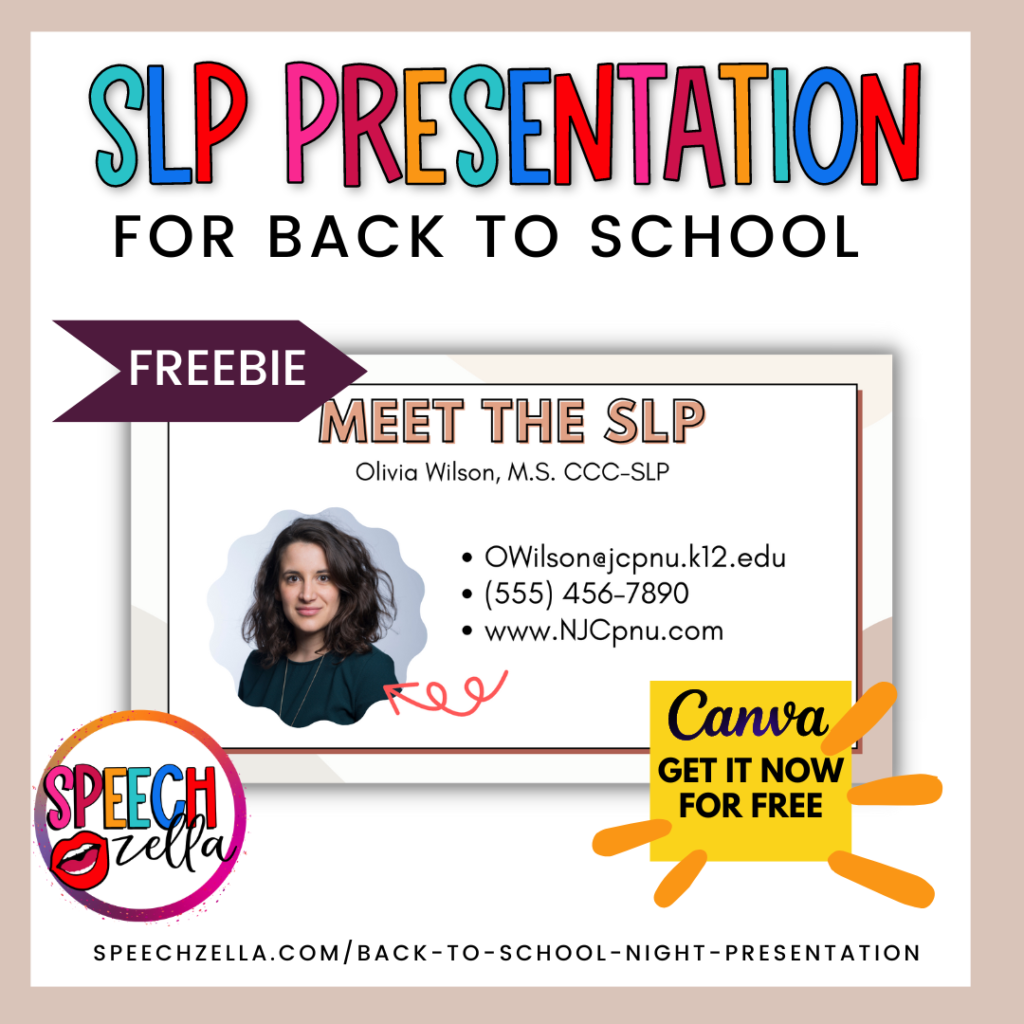
You could even print this out for your students' parents into a general information packet that includes your classroom policies.
Back to School Night Presentation Template
Who said presentations can't be fun? With Canva, you can add stage curtains, confetti, and other fun elements to your school night PowerPoint presentation (without actually needing PowerPoint).
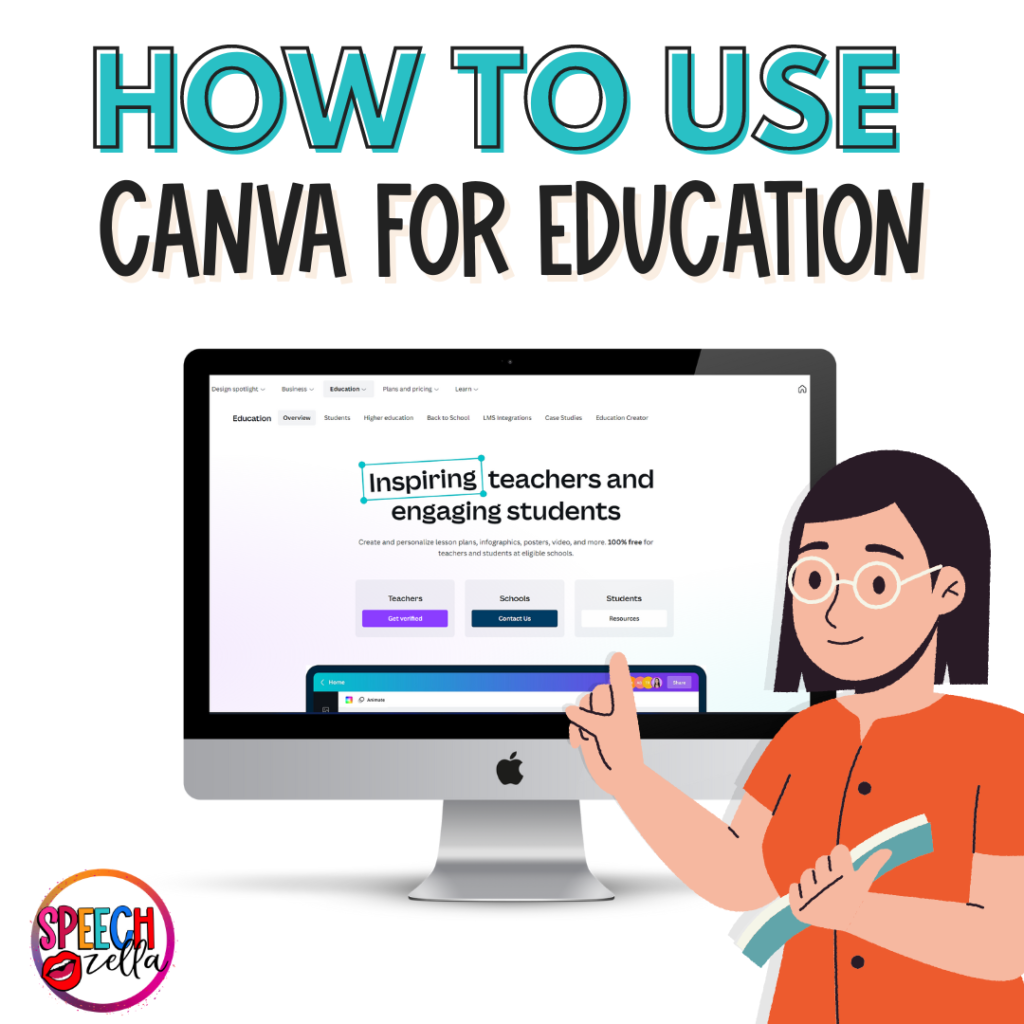
Too good to be true? Well, it gets better. Once you're done adding your flair to these editable slides templates, you can download them as a PDF or convert them to Google Slides. If you want to know more about how to do that, check out my other blog post: “How to Use Canva for Education.” This way, even if some parents can't make it to the open house, they won't miss out on any important information.
Back to School Printable Signs
If you've been on the hunt for back to school printable signs, then I have some signs that match your presentation style. You can check them all below!
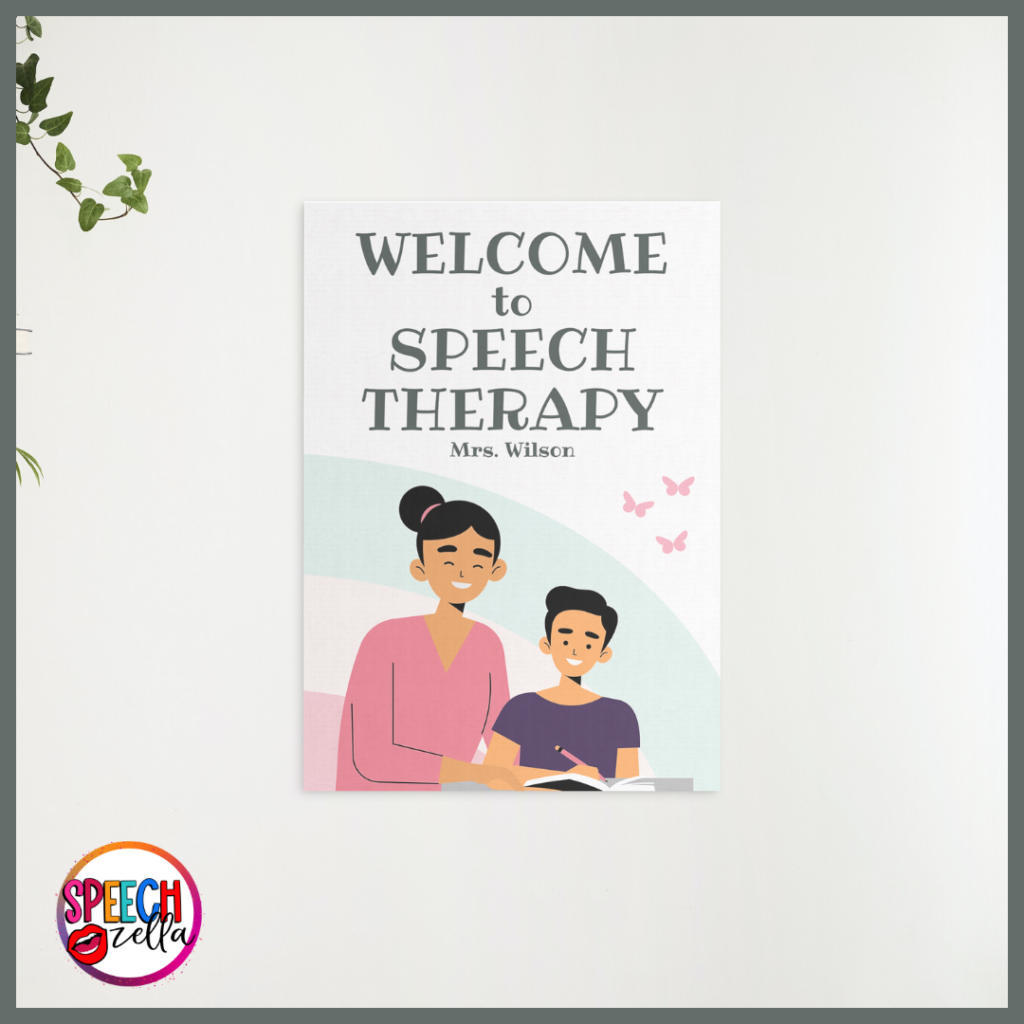
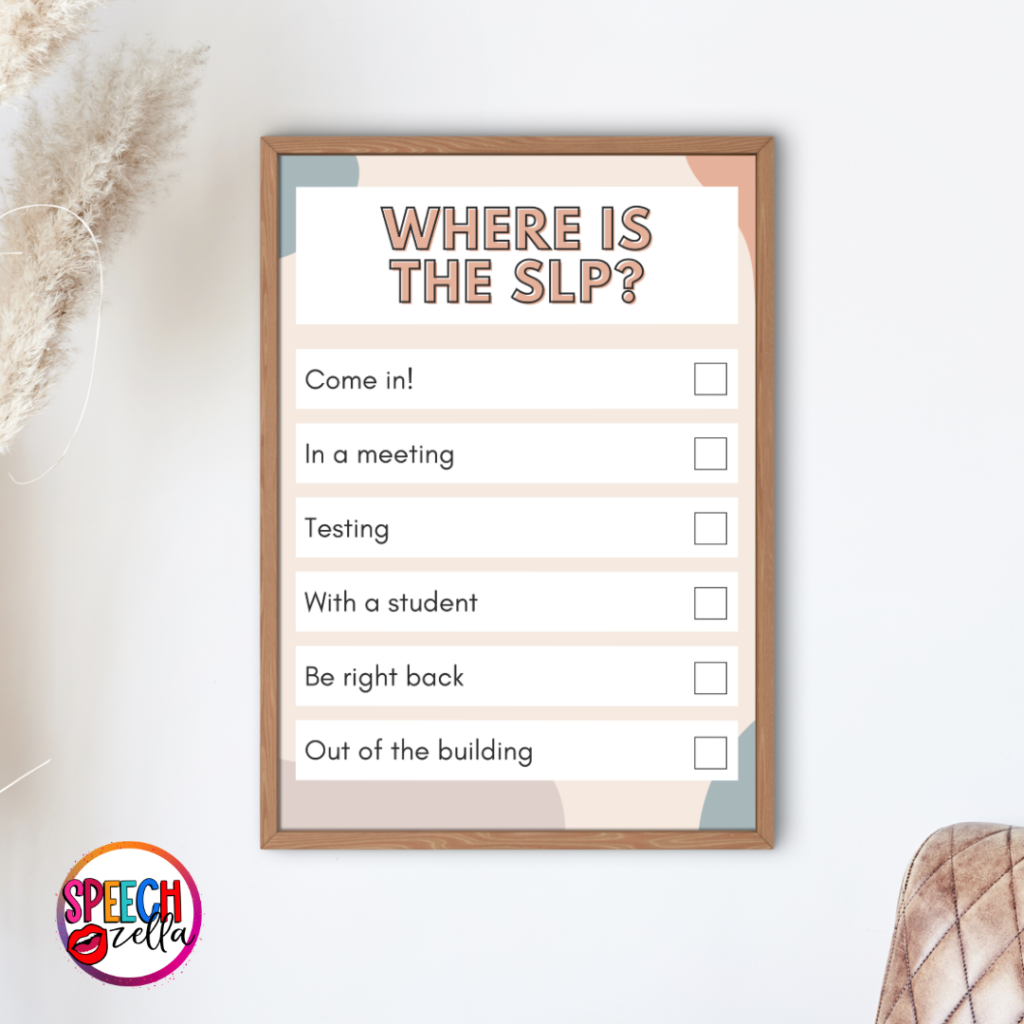
Canva isn't just for presentations; you can also create awesome classroom decor. Whether it's posters outlining classroom rules or a banner with an inspiring quote, make it something that resonates with your teaching style.
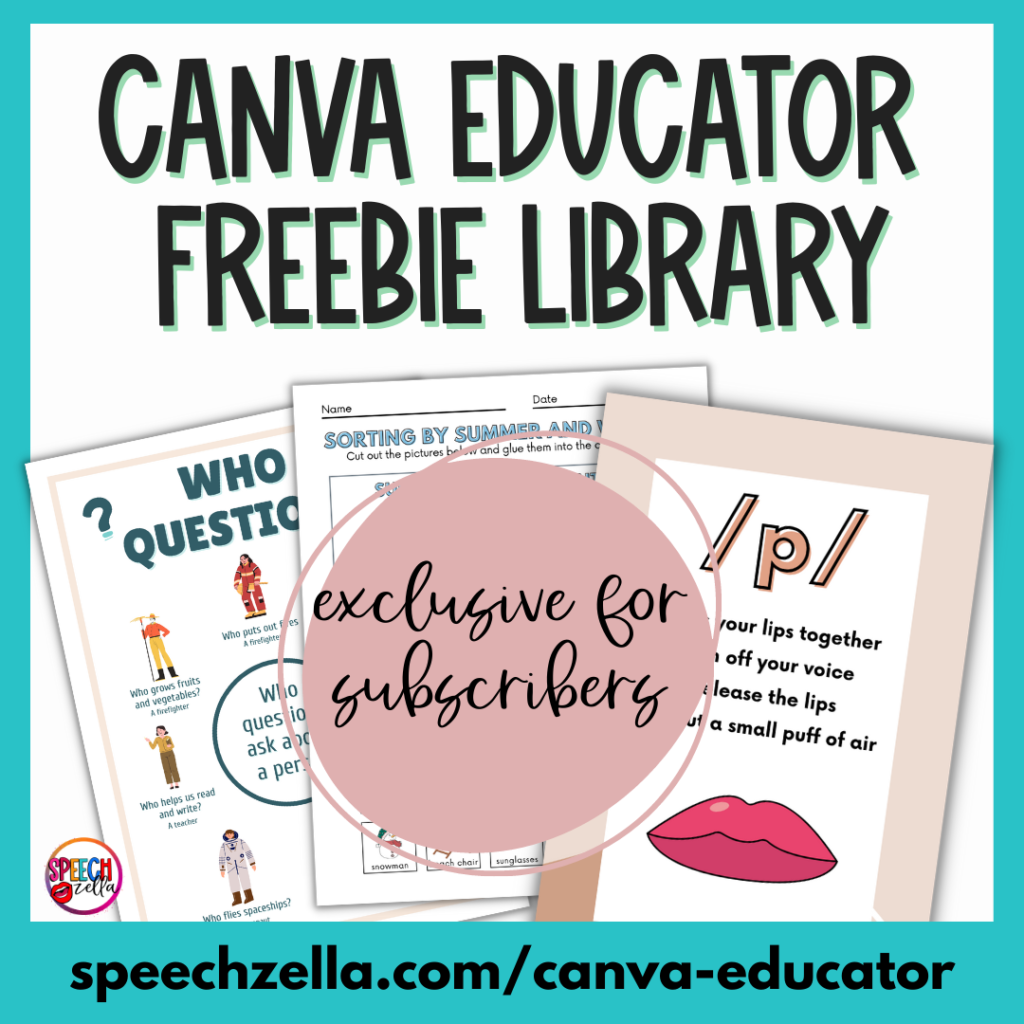
If you want access to the Canva Educator freebie resource library, then make sure to sign up for the newsletter!
Video Preview of Back to School Night Presentation
Why Canva Over PowerPoint?
Okay, let's settle this debate. Why use Canva instead of the good ol' PowerPoint? Well, firstly, Canva is way more user-friendly. Secondly, Canva offers some awesome animated elements. All you have to do is add your info, and you're set to dazzle your parents.
Back to School Night Activities
Hey, while we're at it, why not explore some engaging activities for your back to school night? Let's admit it; we all have been in those monotonous parent-teacher conferences. So, how do we add a dash of fun? Check out these fun school night ideas.
Scavenger Hunt
For example, you can create a fun scavenger hunt that parents and their kids can engage in. Certainly, this would be a great time to use some of those editable slides to make a visual cue guide. That way, parents can move around the room, find clues, and learn more about what their children will be doing in your sessions.
Using this Scavenger hunt, you can direct your parents to the different resources in your speech room, such as the Expanding Expressions Toolkit, the StoryBraid, the Story Grammar Marker, or any of your other games and activities.
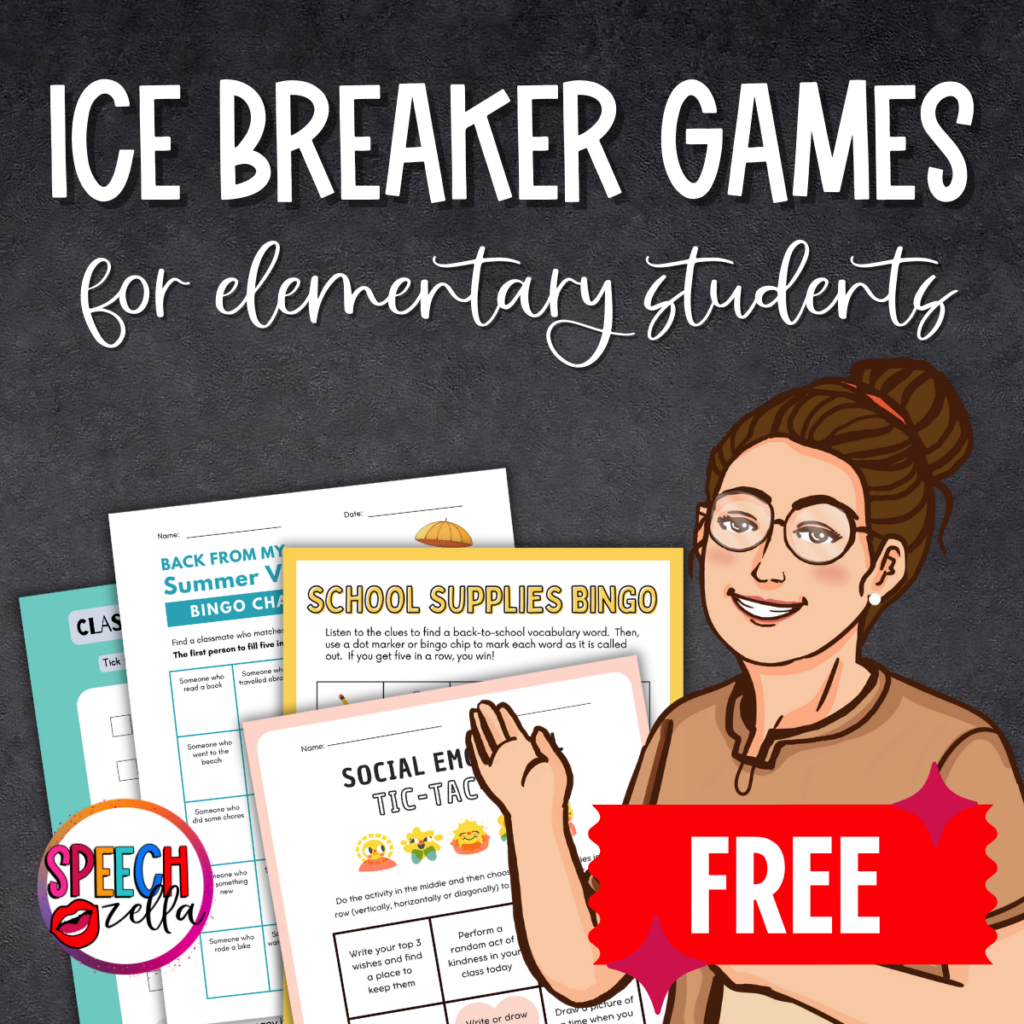
If you need some ideas on Icebreaker games that are perfect for elementary students, then check out all the Canva templates in the blog post!
Mini Lessons
Why not give parents a taste of what their kids will be learning? Set up a few mini-lessons or hands-on activities that parents can participate in. It could be a quick science experiment, a fun language game, or even a math challenge. This gives them a real feel of your teaching style.
Feedback Fishbowl
Place a fishbowl near the exit where parents can drop in questions, concerns, or suggestions written on slips of paper. This can be an easy way to get genuine feedback.
Goal Setting Wall
If you want to show your parents involved in goal setting, set up a wall or board where parents can write down one goal they have for their child for the upcoming school year. This serves as a great visual representation of shared expectations and commitments. Check out all the resources for Speech Therapy Goal setting on my blog:
Social Media Corner
If you have a class blog or social media page, then set up a laptop or tablet where parents can bookmark the site or join the group on the spot. This ensures they don't forget to do it when they get home.
Say Goodbye to Last Year
Finally, a good way to kick off the new year is by having a brief recap of last year. What worked? What didn’t? By doing this, you can show parents that you are continually evolving and committed to providing the best education for their kids.
School Night Stations
Set up School Night Stations! These are mini areas around your room that parents can visit at their own pace. Here are some stations you can include:
- Speech Tools Station: Show off your speech therapy tools, like the EET, story grammar marker, visuals, or games.
- Goal Setting Station: Invite parents to write one goal they have for their child this year. Add it to a “Goal Wall” or a sticky note board.
- Speech and Language Tips Station: Provide quick printables or handouts that will help parents support their child's speech and language development at home. Here are some great posters I created that you can add to this station:
Fall Activity Worksheets
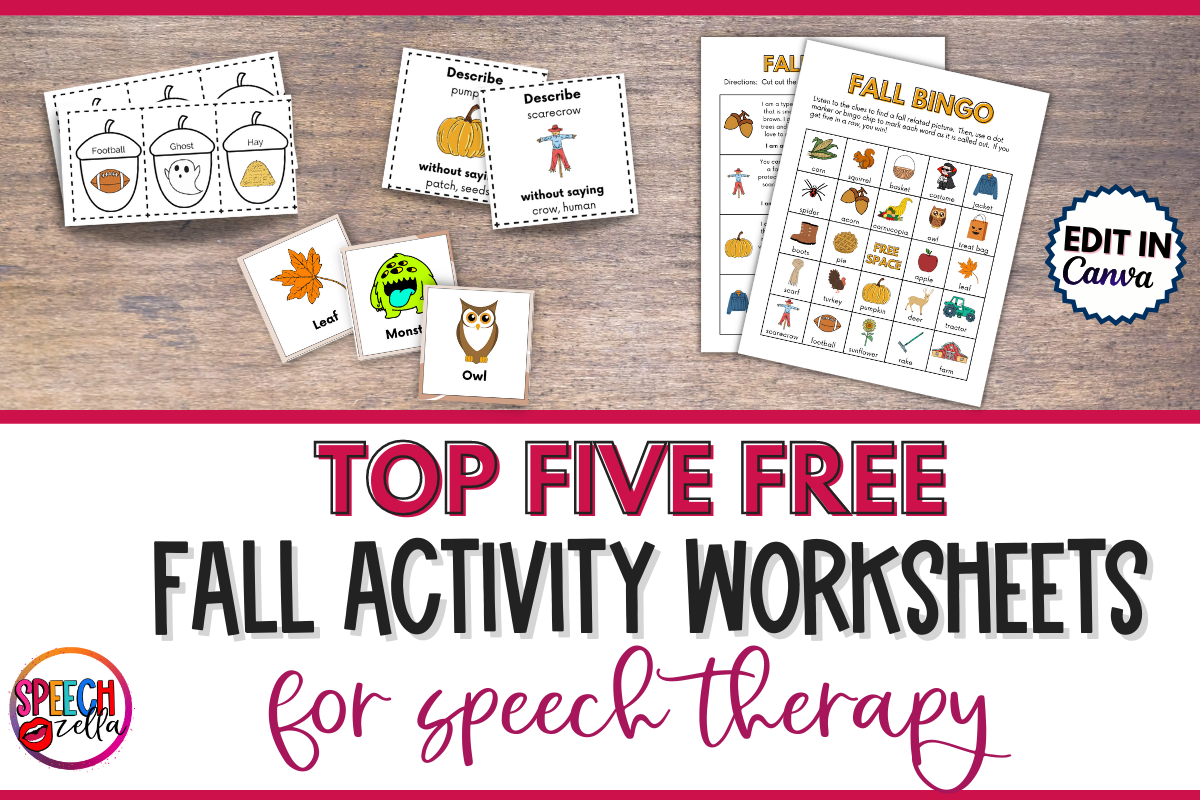
If you want some other free and editable Canva templates for your speech room this fall, then check out my other blog post! Get tons of FREE fall activity worksheets.
Navigating Parent-Teacher Conferences Like a Pro
Now that we've talked about open houses and school-night presentations, let's talk about those parent-teacher conferences. It's crucial to carry over that great impression you made during the first week.
Pre-Meeting Prep
Before the conference, create an agenda. When you use Canva, you can design a simple, aesthetically pleasing sheet with bullet points on discussion topics. Generally, this helps steer the meeting and makes sure all critical points are covered.
Go Digital
Additionally, in the age of technology, digital is best. Provide parents with a link to digital portfolios of their child's work or the templates you have worked on. You can easily create this on Canva and keep it updated.
Effective Communication
Good communication is always in style, whether it's the first grade or higher. You can generally keep lines of communication open through newsletters, emails, and even text message updates. And yes, you guessed it—Canva has some killer templates for those too! Check out some of the newsletters I have created in my Canva profile:
If you want the templates, you can check them out here: Editable SLP Newsletters
Canva Tips and Tricks
Alright, I've been singing Canva's praises, but how can we actually make the most out of this tool? Let's dive into that.
Save Time with Canva Templates
Firstly, templates are your best friend. Whether it's the first week of school or midway through the year, a template can be a lifesaver. All you have to do is fill in your information and—boom!—you've got yourself a polished presentation.
Customize Like a Pro
Equally as important, Canva is all about customization. With Canva, you can edit fonts, colors, and also the layouts to match your personality or the school's theme. Even better? If you find an icon or design element you absolutely love, you can save it to your Canva library for later use.
Seamless Collaboration
Involve your co-teachers or even some eager students in your design process. With Canva's share feature, multiple people can work on a project simultaneously.
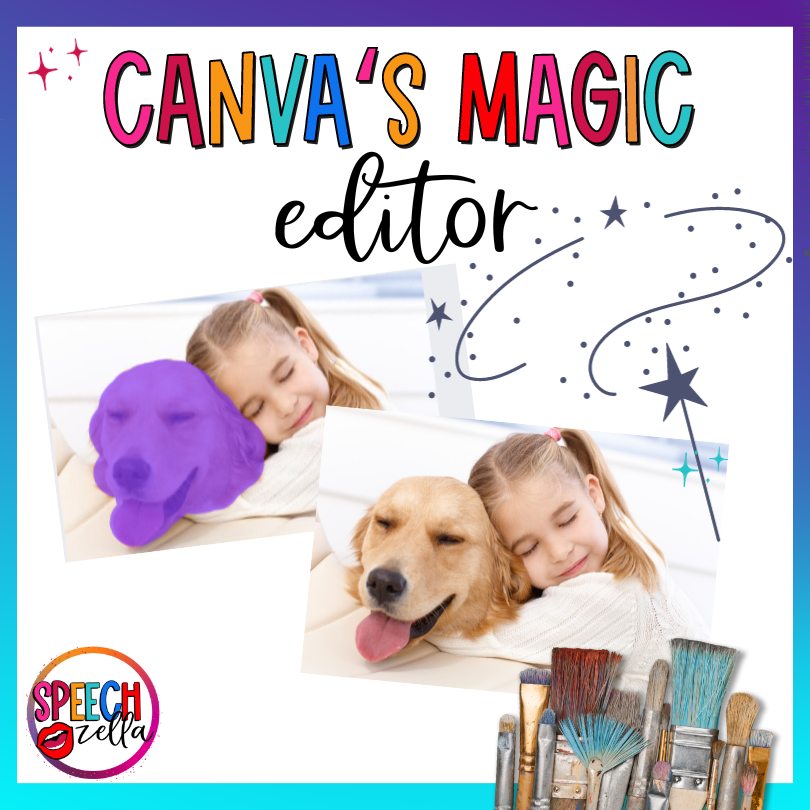
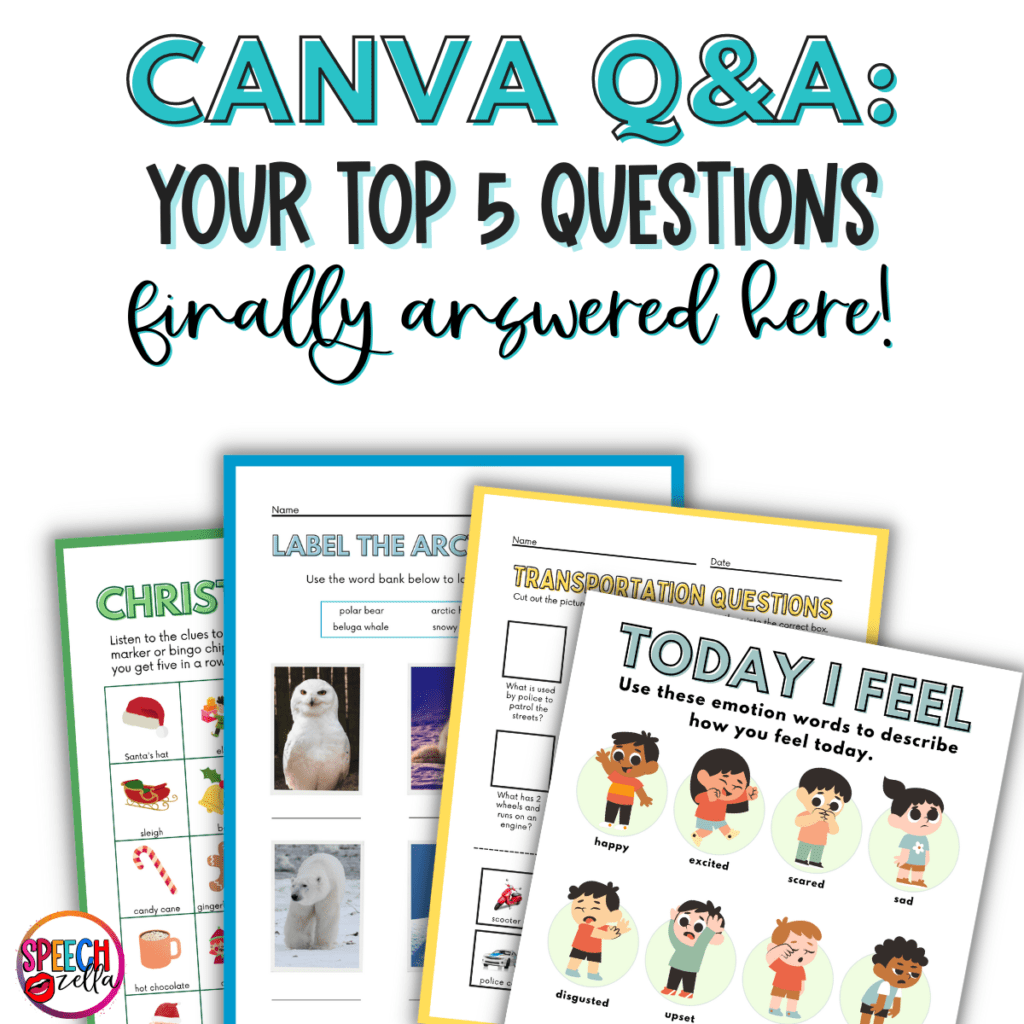
If you want more information about Canva, then check out these blog posts:
Grab this free Presentation today!
Finally, if you need more resources that are free and editable to use in your classroom, then subscribe to get notified of all the new freebies and check out the ways to stay connected below:
Subscribe to get notified of new freebies!
- Canva Profile: https://speechzella.com/CanvaforSpeechTherapy
- TPT Store: https://speechzella.com/TPT
- Facebook: https://speechzella.com/facebook
- Instagram: https://speechzella.com/instagram
- Linktr.ee: https://speechzella.com/linktr.ee
- Boom Cards: https://speechzella.com/boomcards
#canvaforspeechtherapy
You can make anything in Canva!